01 / YOUR PLACESA world worth following.
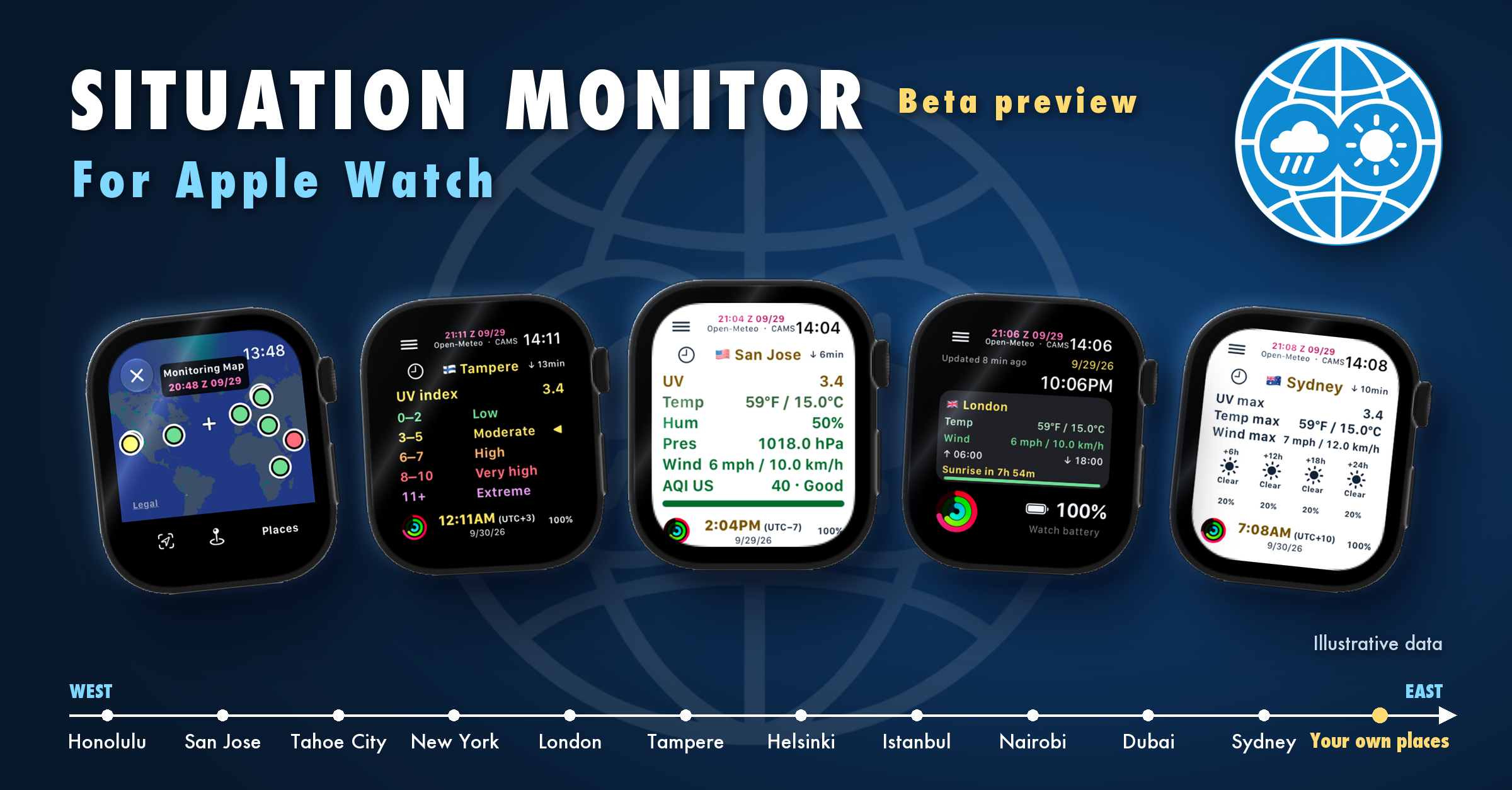
Choose places that matter to you with Monitoring Map or Select Place.
Where shall we play golf today?
Open your favourite golf courses and explore the Details view and forecast for each one. Compare the conditions: which course has the lowest chance of rain when you want to play?
02 / USEFUL CONTEXTMore than the temperature.
Weather, air quality, local time, sunrise and sunset, and the next 24-hour forecast.
Planning eight hours on the water?
Choose harbours and natural anchorages directly on Monitoring Map and save them as your places. Compare their weather and forecasts, then return to the map later to see whether their traffic-light indicators have changed as data updates.
03 / YOUR VIEWQuick look. Closer look.
Choose Full or Action view. Check the displayed data age and saved-data status.
North or South Lake Tahoe today?
Follow your saved resorts on both sides of Lake Tahoe in Monitoring Map. Scan the traffic-light colours, then tap a place to explore its conditions and forecast. Which outlook best suits the ski day you have in mind?
The story behind the Watch
Created by Jussi Mäntynen.
Situation Monitor started on my iPhone, working with Claude from the sofa. What began as a dashboard evolved into a native Apple Watch app.
Today, I orchestrate four AI tools — ChatGPT, Codex, Claude and Grok — from the command line through Conductor, bringing different perspectives to development and review. I make the product decisions and test the app on my own Watch.
This Beta is the next step: learning how it works in your everyday life.